
Monochrome Photography: A Practical Guide
July 1, 2025
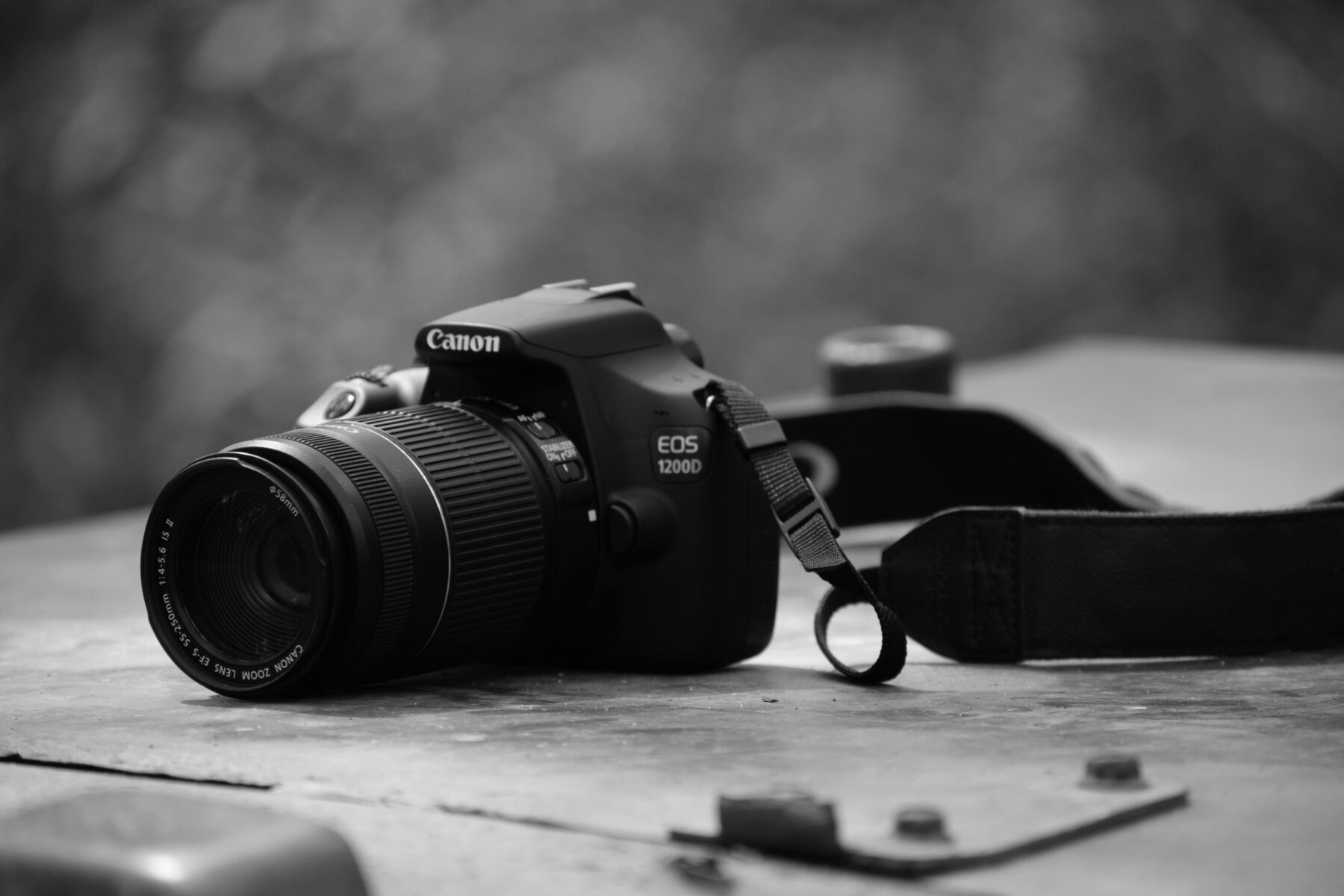
Monochrome photography isn’t just about stripping out color—it’s about sharpening your focus on essentials: light, contrast, texture, form. When you cut the distractions, what matters most stands out. If you want your work to leave a lasting impression on clients, you need a strategy. Here’s how to make black-and-white images that command attention and reinforce your brand message.
Why Monochrome Delivers Results
Monochrome instantly clarifies your subject. Strong contrast helps viewers lock in on the focal point, fast—crucial for brand visuals and editorial content where clarity can make or break the shot. It can also shape emotion. Without the influence of color, people respond directly to the mood set by lighting, shadow, and texture. This is where you can dial in sophistication, strength, or even a sense of calm, all with a few intentional moves.
Finally, monochrome cuts through visual clutter. Busy scenes with wild color palettes can distract from your message. Monochrome brings unity to assets, even if they’re shot under inconsistent lighting or in different locations. For additional technique, check out Adobe’s Lightroom/Camera Raw guides, or Canon’s breakdown on compelling monochrome portraits.
How to Execute Monochrome Photography That Delivers
- Work with intent: If the story is about color, stay with color. But if it’s about form, tone, or pattern, plan for black and white from the start.
- Scout for effective light: Side lighting adds depth, backlighting delivers silhouettes and glow, flat light might need you to punch up contrast. Always be aware of unwanted reflections and highlights, especially on products or architecture.
- Expose with care: Don’t blow out your highlights. A slightly underexposed shot is easier to recover in post-production. Your histogram isn’t optional; use it to avoid clipping.
- Backgrounds: Choose backgrounds that separate your subject in tone, not just color. Sometimes a simple shift in camera angle or height is all it takes to eliminate distractions and boost clarity.
- Keep it streamlined: For architecture or product shots, a tripod is essential. Every frame should tell one story—avoid unnecessary elements.
Editing Workflow for Consistent, Quality Results
- Start with RAW: Convert to B&W in Lightroom or Camera Raw, then adjust individual color sliders to control tonal separation (i.e. darken blues for richer skies, brighten reds for cleaner skin tones).
- Shape your contrast: Use a controlled S-curve for overall punch, then dodge and burn selectively to guide the viewer’s eye. Maintain midtone detail to keep skin and fabrics tactile and real.
- Control grain: Grain can unify a series, but use it deliberately. Match grain size to your final output for a consistent look.
- Consistency is key: Save presets tailored to different subjects such as portraits, street, and product so your campaigns stay visually aligned across every asset.
Where Monochrome Makes a Strategic Impact
Monochrome photography excels in various applications: For portraits and editorial content, it emphasizes expression and craftsmanship. In architecture and product photography, it highlights clean lines, textures, and negative space. For brand campaigns, a consistent black-and-white treatment unifies visuals created by different teams or shot in various locations.
Monochrome is more than a style choice. It’s a business tool that clarifies, unifies, and elevates your brand visuals. Use it with intention, and your work will stand out—no color required.
Frequently Asked Questions (FAQs)
What is monochrome photography and how is it different from black and white?
Monochrome photography uses varying tones of a single color, often black and white but sometimes sepia or cyanotype. Black and white is a type of monochrome that relies solely on shades of gray, while other monochrome styles add a color tint for mood or branding purposes.
How do I plan a shoot for monochrome photography?
Pre-visualize in black and white. Focus on shape, leading lines, and tonal contrast rather than color. Scout for directional light to add depth, and choose backgrounds that separate your subject by tone for better figure–ground clarity.
What camera settings work best for monochrome photography?
Shoot in RAW for maximum flexibility. Slightly underexpose to protect highlights, use your histogram to avoid clipping, and adjust white balance even if you’re converting to monochrome—it can influence tonal separation in post-processing.
How can I edit monochrome photos without losing texture?
Convert to B&W in Lightroom or Camera Raw, adjust individual color channels to control tonal separation, and use gentle contrast curves. Dodge and burn selectively to guide the eye, keep midtones alive, and add grain sparingly for cohesion rather than noise cover-up.
Find Creative Pros
Work with local photographers, videographers, and graphic designers. Find your pro today!


